You’ve Got the Photos. Now What?
You’ve invested in professional branding or commercial photography, and now you have a gallery full of beautiful images. So, what comes next? Your photos are more than just pretty pictures. They’re marketing assets that can help you build brand recognition, establish credibility, connect with your ideal clients, and create a cohesive online presence. Whether you booked a personal branding session, updated your team headshots, or invested in commercial product photography, the key is knowing how to use your images strategically. As a Jacksonville branding and commercial photographer, I want you to get as much value as possible from your investment. Here’s how to put your new brand photos to work.
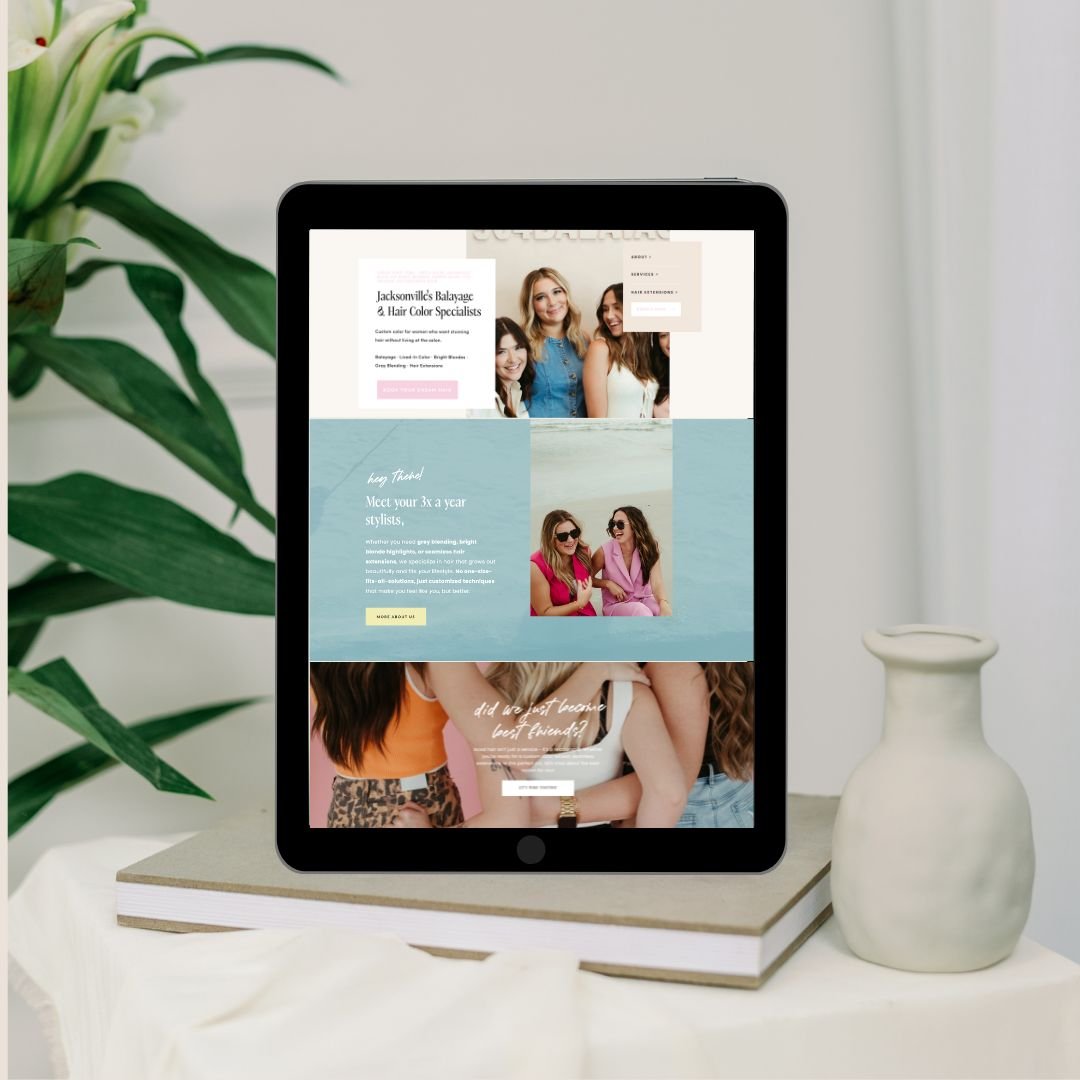
1. Update Your Website With Professional Brand Photography
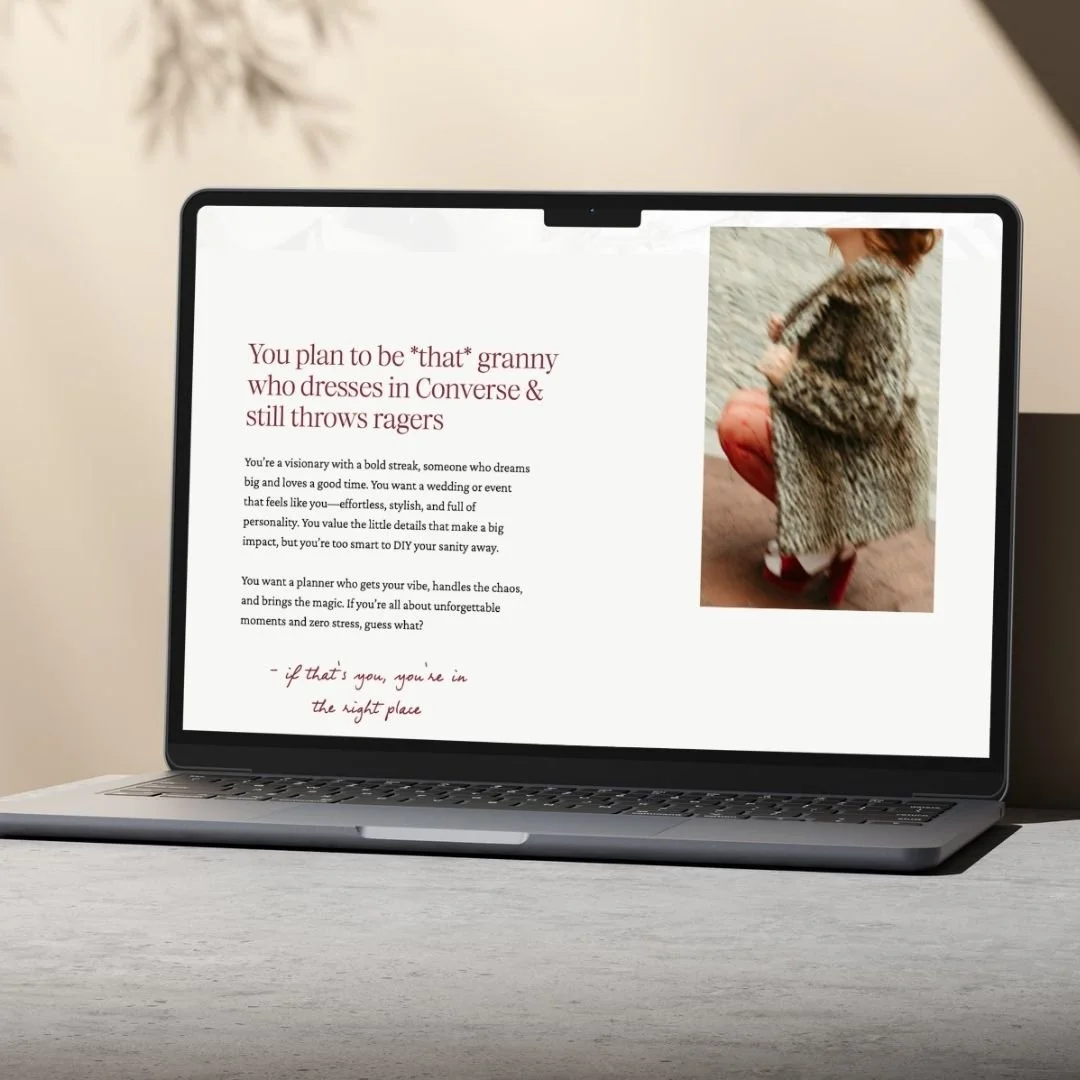
Your website is often the first impression potential clients have of your business. Professional branding photography helps your website feel polished, intentional, and aligned with the quality of your services.
Instead of relying on generic stock photography, use images that showcase your personality, your team, your process, and what makes your business unique.
Where to use your branding photos on your website:
Homepage: Choose a strong hero image that immediately communicates your brand's personality and makes visitors want to learn more.
About page: Introduce yourself, your team, and the story behind your business.
Services page: Pair your offerings with relevant imagery that helps potential clients understand what you do.
Landing pages: Use strategic images alongside your offers and calls to action.
Blog posts: Add relevant brand photography to create a cohesive visual experience.
Contact page: Include a welcoming image that helps personalize the experience.
SEO tip: Before uploading images to your website, rename the files descriptively. For example, use jacksonville-branding-photography-business-owner.jpg instead of a generic camera filename. Write accurate, descriptive alt text for accessibility and search engines, and compress images to help your website load efficiently.
2. Show Up Consistently on Social Media
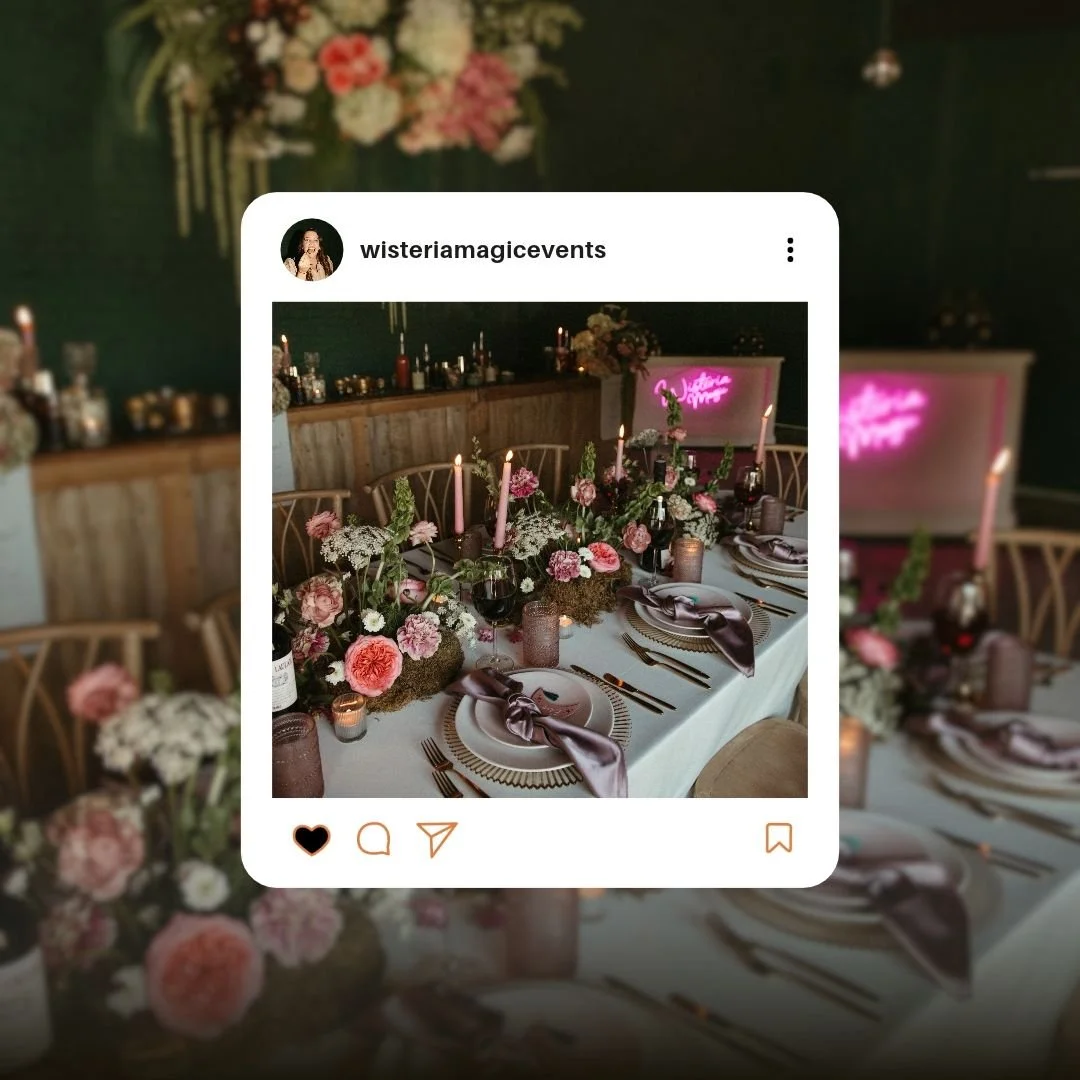
One of the biggest benefits of a branding photography session is having a library of professional images ready to use across your social media platforms.
You no longer have to scramble to find a photo every time you want to post. Your gallery gives you a consistent collection of visuals that reflect your brand and support your content strategy.
Use your images for:
Instagram posts, carousels, and Reel covers
Instagram Stories and promotional graphics
LinkedIn profile photos and business updates
Facebook posts and business page updates
Pinterest pins that link back to your website or blog
Product launches, announcements, and special offers
Educational posts, testimonials, and behind-the-scenes content
Pro tip: You don't need a new photo for every social media post. Reuse your images with different captions, educational tips, personal stories, and calls to action. A single photo can support multiple pieces of content when the message and purpose are different.
For example, a photo of you working at your desk could accompany a post about your process, a lesson you've learned as a business owner, or a service you offer.
Consistency builds recognition. The more intentionally you use your brand imagery, the more recognizable your business becomes.

3. Elevate Your Email Marketing
Email marketing is an excellent way to stay connected with existing clients, nurture potential customers, and promote your services.
Your professional brand photos can make your emails feel more personal, recognizable, and visually cohesive.
Try incorporating your images into:
Monthly newsletters
Welcome emails for new subscribers
Service announcements
Product launches and promotions
Client education emails
Seasonal campaigns
Email signatures
For personal brands, photos of you help your audience connect with the person behind the business. For product-based businesses, commercial photography helps showcase your products in a polished, intentional way.
You don't need to overcomplicate your emails. A relevant image, a helpful message, and one clear call to action can go a long way.
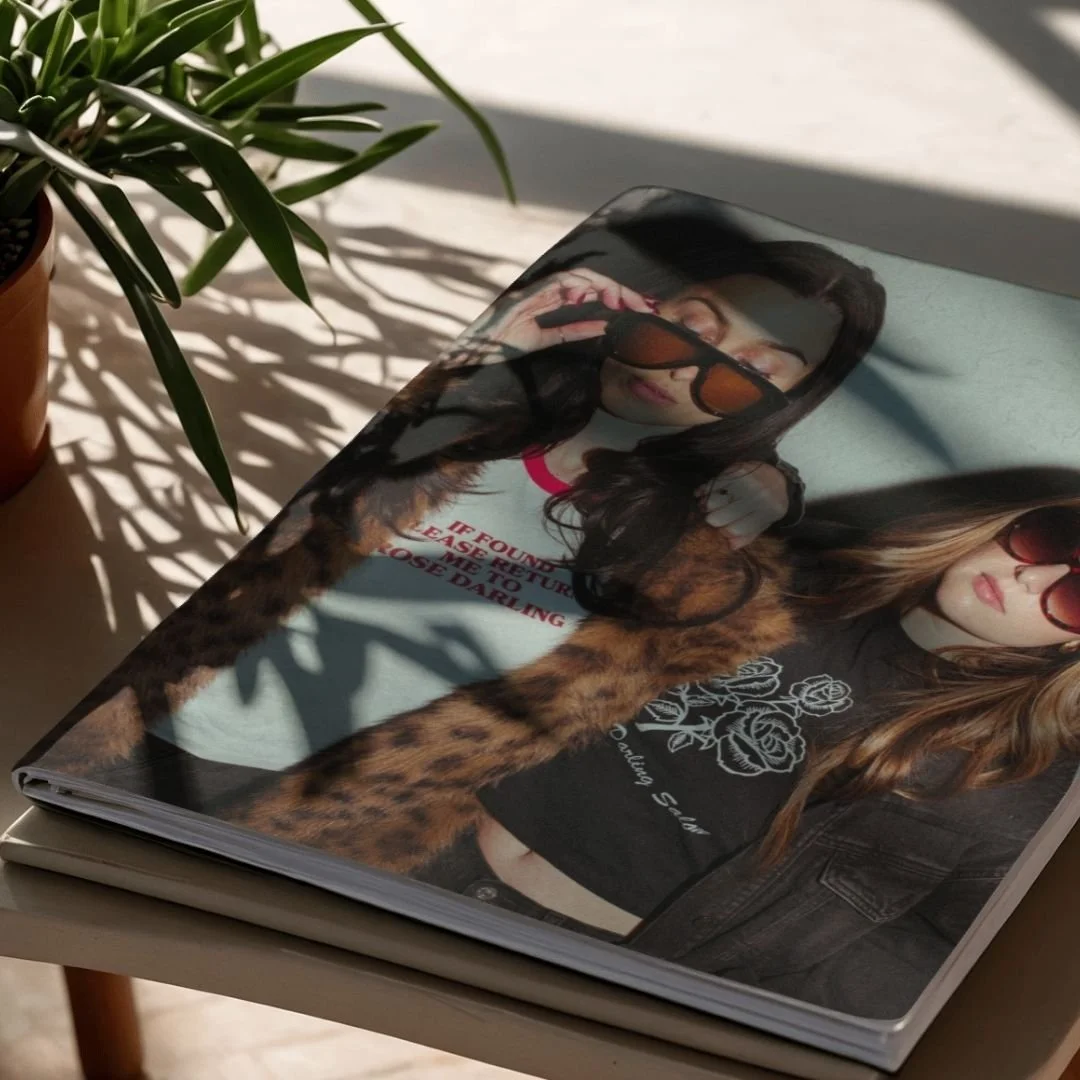
4. Use Your Photos Across Your Marketing Materials
Your brand imagery shouldn't live exclusively on your website and social media. Think about all the places potential clients might encounter your business.
Professional branding and commercial photography can elevate your marketing materials and help create a consistent visual identity.
Consider using your gallery for:
Media kits and press features
Business proposals and pitch decks
Brochures and printed marketing materials
Lead magnets and downloadable guides
Presentations and speaking engagements
Digital advertisements and promotional campaigns
Service guides and pricing brochures
Business cards and other branded collateral
For commercial product photography, use images that showcase your products clearly and support your brand's positioning. These images can be particularly valuable for product listings, sales pages, advertising, and launch campaigns.
Before using your images in paid advertising, packaging, or other expanded commercial applications, confirm that your photography license covers the intended use.
5. Create a Content Library You'll Actually Use
Your gallery becomes even more valuable when it's organized and easy to access.
Instead of scrolling through hundreds of images every time you need something, create a simple folder system to keep your brand assets organized.
Here is one way to structure your library:
Website & Branding
Homepage images
About page portraits
Team photos
Headshots
Social Media
Portraits and lifestyle images
Behind-the-scenes photos
Workspace images
Detail shots
Products & Services
Product images
Service-related imagery
Campaign photos
Promotional content
Marketing & Press
Media kit images
Speaker portraits
Advertisements
Promotional materials
Keep a backup of your downloaded gallery, and consider creating a content calendar to plan how you'll use your images throughout the month.
Having a well-organized content library makes it easier to stay consistent without constantly creating new content from scratch.
6. Repurpose Your Photos Into Multiple Pieces of Content
One branding photography session can support your marketing for weeks or even months when you plan ahead.
Think about the different stories your images can tell rather than assigning each photo just one purpose.
For example, a collection of founder portraits, workspace images, and detail shots could become:
A founder introduction post
An educational carousel
A behind-the-scenes Reel cover
An email newsletter header
A website banner
A Pinterest pin
A service announcement
A blog post image
You can also pair your photos with different content themes, including educational tips, frequently asked questions, client testimonials, personal stories, and business milestones.
The goal isn't to post the same thing repeatedly. It's to use your brand imagery to communicate different messages while maintaining a consistent visual identity.
7. Think Beyond the Initial Photoshoot
Your branding photography isn't just for the week you receive your gallery. It's an investment in your business's visual identity that you can continue using as your business grows.
Revisit your gallery when you're:
Launching a new service or product
Updating your website
Planning a seasonal promotion
Announcing a collaboration
Pitching a publication or podcast
Preparing for an event or speaking engagement
Refreshing your social media presence
Creating a new marketing campaign
As your business evolves, your imagery should help communicate that growth. If your offerings, team, or brand identity change significantly, a new session can help keep your visual content current.
8. Make Sure You're Using Your Images Correctly
Before publishing your photos, take a moment to review your image delivery details and usage rights.
A few things to keep in mind:
Use your images within the scope of your agreed-upon photography license.
Confirm that paid advertising, third-party use, product packaging, and other expanded commercial applications are permitted where applicable.
Follow any agreed-upon photographer credit or attribution requirements.
Keep your original downloads backed up in a secure location.
Use high-resolution files for print and appropriately sized files for digital platforms.
If you're unsure whether a particular use is covered by your license, reach out to your photographer before publishing.
Your Brand Photos Are Ready. It's Time to Put Them to Work.
You've invested in professional branding or commercial photography. Now it's time to make those images part of your everyday marketing strategy.
From your website and social media to email campaigns and promotional materials, your photos can help your business show up consistently, communicate its value, and build a recognizable brand.
You don't have to use every image at once. Start by updating your website, planning a few weeks of social media content, and incorporating your new images into your next email campaign.
Small, consistent steps can help you get more value from your gallery long after your session is complete.
Thank you for trusting Yazi Davis Photography to tell your brand's story. I'm so excited to see how you put your new images to work!
Before uploading your photos, optimize them with TinyJPG.
Large image files can slow down your website, negatively affecting the user experience and potentially impacting your SEO. Before uploading your branding or commercial photography to your website, run your images through TinyJPG to compress them and reduce their file sizes while preserving visual quality.
Here’s the workflow I recommend:
Download your images from your photography gallery.
Visit TinyJPG.com and upload the images you plan to use on your website.
Download the compressed versions.
Upload the optimized images to your website instead of the original, full-size files.
Preview your website to make sure your images look sharp and load properly.
Pro tip: Use compressed images for your website, but keep your original high-resolution files saved separately for printing, publications, and other uses that require maximum image quality. Optimizing your images before uploading helps improve page loading speed, creates a better experience for your visitors, and supports your website's overall SEO performance.
Ready to elevate your brand?
Yazi Davis Photography specializes in branding and commercial photography for entrepreneurs, creative businesses, and growing brands in Jacksonville, Jacksonville Beach, and throughout Northeast Florida.
Explore branding photography at www.yazidavis.com to learn more about creating imagery that works as hard as you do.